> For the complete documentation index, see [llms.txt](https://angoor-ai.gitbook.io/angoor-ai/llms.txt). Markdown versions of documentation pages are available by appending `.md` to page URLs; this page is available as [Markdown](https://angoor-ai.gitbook.io/angoor-ai/basics/interactive-blocks/knowledge-base-references.md).
# Knowledge Base References
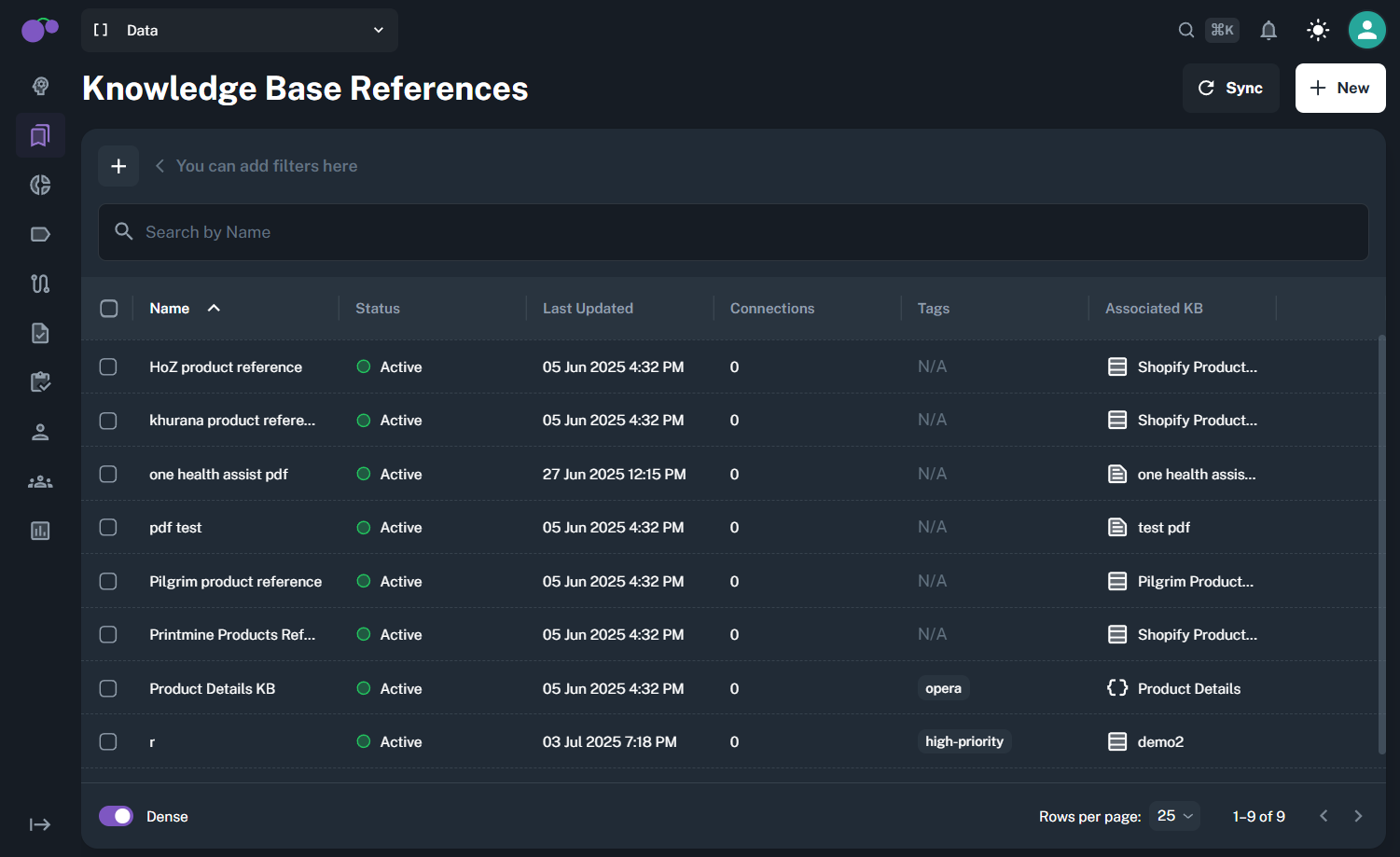
Knowledge Base References create **targeted subsets** of your knowledge base content that can be called and referenced throughout angoor.ai. Think of them as curated collections that combine specific knowledge bases into focused, reusable resources for different contexts and use cases.
### What You Can Use KB References For
* **Targeted Content Subsets:** Create focused collections from larger knowledge bases for specific scenarios
* **Cross-Platform Access:** Reference the same curated subset across agents, flows, tools, and workflows
* **Context-Specific Resources:** Different teams access precisely the knowledge they need for their tasks
### Create Knowledge Base Reference
#### Step 1: Metadata
* **Name:** Identifier for the reference (cannot be edited once saved)
* **Description:** Optional context about the reference purpose
* **Tags:** Classification labels for organization
#### Step 2: Associate Knowledge Base
Select specific columns to include in your targeted subset from various content types
#### Step 3: Preview
Review all selected columns and configuration before saving.
### Best Practices
* Design subsets based on specific use cases and workflows rather than broad content categories.
* Consider how different parts of angoor.ai will reference and use the knowledge subset.